How to Program Your Garage Door Remote - Local Garage Door Repair in Peabody
Programming your garage door remote doesn't have to be a daunting task. This guide provides you with step-by-step instructions to make the process easy and efficient.
The Importance of a Functional Garage Door Remote
Your garage door remote is an essential tool that greatly enhances your convenience and security. In Peabody, MA, where the weather can vary from sweltering summers to frigid winters, you need a reliable remote to help you access your garage without the hassle of manual operation.
Understanding Your Garage Door Remote
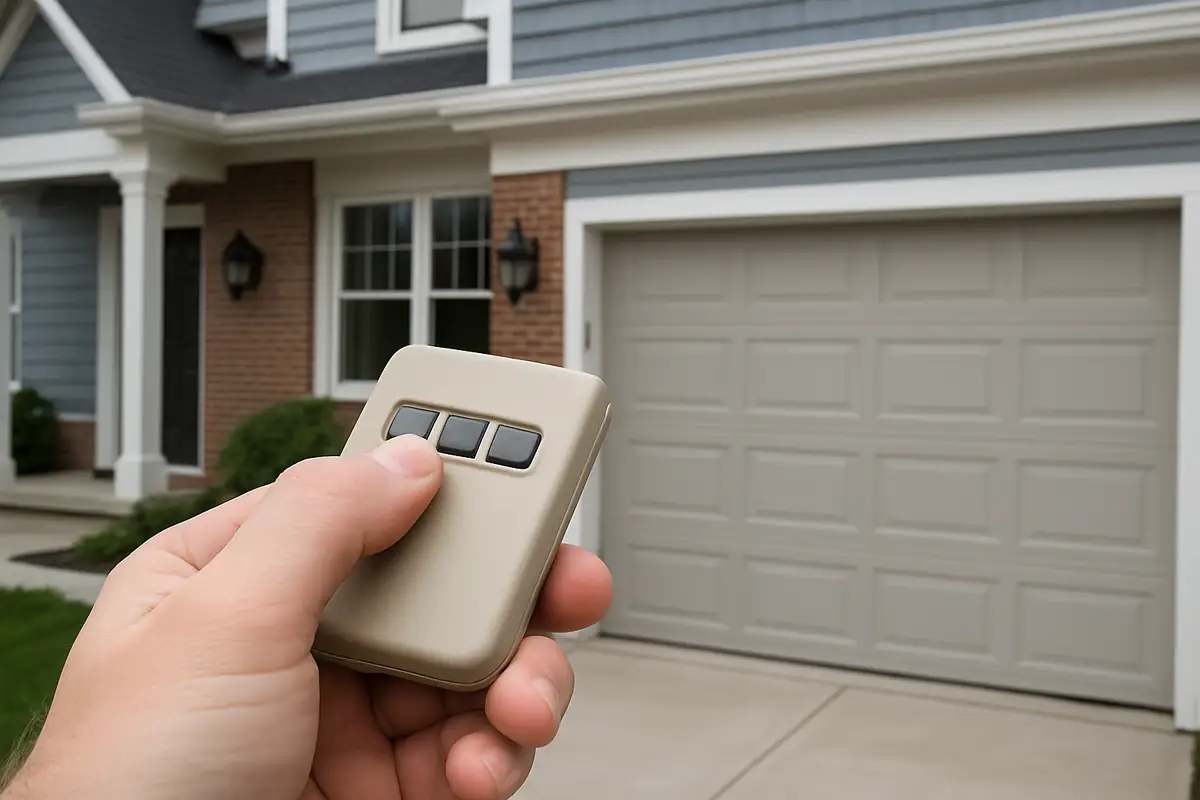
Before diving into programming, it's crucial to understand the components of your garage door remote. Most remotes include:
- Buttons: Typically, there are buttons for open, close, and possibly lock functions.
- LED Light: Indicates the status of the remote and battery life.
- Battery Compartment: Where the remote's power source is housed.
Types of Garage Door Remotes
Garage door remotes can be grouped into two main categories:
- Universal Remotes: These can be programmed to work with various garage door brands.
- Manufacturer-Specific Remotes: Designed to work exclusively with a specific brand or model.
Step-by-Step Guide to Programming Your Garage Door Remote
Now, let’s get into the meat of the matter. Programming your garage door remote can seem daunting, but it's a straightforward process. Here's how you can do it:
1. Gather Required Materials
Before starting, make sure you have:
- Your garage door remote
- A ladder (if your garage door opener is mounted high)
- Owner's manual for your garage door opener (if available)
2. Locate the Learn Button
The next step is to find the 'Learn' button on your garage door opener. This button is typically located on the back or side of the unit. In many cases, it might be red or purple, but check your owner’s manual for specifics.
3. Activate Learn Mode
Press the Learn button once. You should see an LED light turn on, indicating that the opener is in learn mode. This mode generally lasts for about 30 seconds.
4. Program the Remote
With the opener in learn mode, press and hold the button on your remote that you wish to program. Hold it until you see the LED light on the garage door opener blink and turn off. This indicates that the remote has been successfully programmed.
5. Test the Remote
Step away from the door and press the programmed button on the remote. The garage door should respond accordingly. If it doesn't, repeat the steps to ensure everything was done correctly.
Common Issues When Programming Your Remote
Sometimes, things don’t go as planned. Here are some common issues you may encounter:
- Remote not responding: Check the battery and ensure it’s installed correctly.
- Interference from other devices: Move away from appliances that could cause signal interference.
- Outdated opener model: Ensure that your garage door opener is compatible with your remote.
When to Call a Professional
If you’ve tried programming your garage door remote multiple times without success, it may be time to call in a professional. Local Garage Door Repair in Peabody offers expert assistance for any garage door issues you might face.
Here are a few signs that you should contact a professional:
- Repeated issues with programming your remote
- Physical damage to the garage door or opener
- Unusual noise from the garage door system
Enhancing Your Garage Door Security
It’s not just about convenience; your garage door remote plays a significant role in your home’s security. Here are some tips to enhance your garage safety:
- Change the Code Regularly: Regularly change the access code on your garage door opener to prevent unauthorized access.
- Use Security Features: Many modern garage doors come with advanced security features. Utilize these to upgrade your home's security.
- Check the Lock: Ensure that your garage door’s locking mechanism functions correctly.
Statistics on Garage Door Security
Did you know that according to the FBI, a burglary occurs every 15 seconds in the United States? Ensuring your garage door remote is functioning correctly and enhancing your overall garage security can help protect your home.
Conclusion
Programming your garage door remote is a simple yet essential task for every homeowner in Peabody, MA. By following the steps outlined above, you can increase your convenience and ensure that your garage remains secure. If you encounter any challenges or need assistance, remember that Local Garage Door Repair - Peabody is just a call away. Our team of experienced technicians is ready to help you with all your garage door needs.
Ready to enhance your garage door experience? Contact Local Garage Door Repair - Peabody today!
Explore More Resources
Related Articles
Service Areas
We proudly serve Peabody, Salem, Danvers, Beverly, Swampscott and more areas.
Our Services
Professional garage door repair, spring repair, opener installation and more. View all services →