How to Program Your Garage Door Remote - Local Garage Door Repair in Peabody
Struggling with your garage door remote? Our guide walks you through the steps to program it easily. Trust Local Garage Door Repair in Peabody for expert assistance!
Introduction
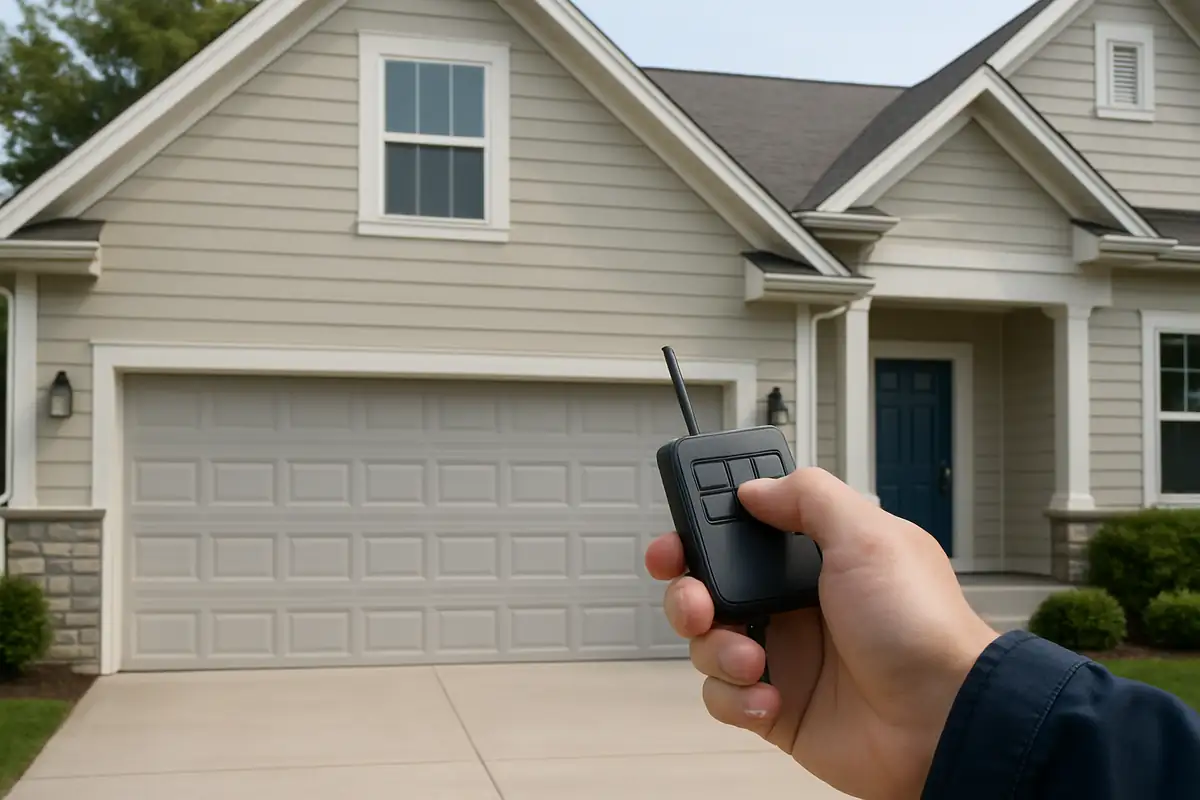
Programming your garage door remote may seem daunting, but it’s a straightforward process that can save you time and frustration. Many homeowners in Peabody, MA, rely on their garage doors for convenience and security. Understanding how to program your garage door remote will enhance your experience and ensure smooth operation every time you use it. In this comprehensive guide, we’ll walk you through the steps and provide tips for troubleshooting common issues.
Understanding Your Garage Door Remote
Before we dive into the programming process, it's essential to know the different types of garage door remotes available and how they function.
Types of Garage Door Remotes
- Single-button remotes: These are the simplest and typically only open or close your garage door.
- Multi-button remotes: These can control multiple doors or openers, making them ideal for larger properties.
- Smart remotes: These connect to your smartphone, allowing for remote control from anywhere.
Steps to Program Your Garage Door Remote
Programming your garage door remote can vary slightly depending on the brand and model. Here’s a general guide for most types of remotes:
Step-by-Step Instructions
- Locate the "Learn" Button: On your garage door opener, find the "Learn" button, usually located on the back or side of the unit.
- Clear Existing Codes (if necessary): If you’re reprogramming a remote, press the "Learn" button twice to clear previous codes.
- Press the Learn Button: Press the "Learn" button once. A light will usually blink, indicating that the opener is ready to learn a new remote.
- Press the Remote Button: Within 30 seconds, press and hold the button on your remote that you wish to program. Hold it until you see the opener lights blink or hear two clicks.
- Test Your Remote: Press the programmed button to test if it opens or closes your garage door.
Troubleshooting Common Issues
Sometimes things don’t go as planned. If your remote isn't working after programming, you may encounter a few common issues:
Possible Issues and Solutions
- Remote Doesn’t Respond: Check the battery and replace it if necessary. Ensure you are within range of the garage door opener.
- Lights Don’t Blink: If the opener light doesn’t blink when programming, you may not have pressed the Learn button correctly.
- Multiple Remotes Not Syncing: Make sure to clear the existing codes before programming a new remote to avoid confusion.
Statistics About Garage Door Safety and Functionality
According to the International Door Association, nearly 70% of homes in the U.S. have a garage, making garage doors a crucial element for security and convenience. Regular maintenance and proper programming of garage door remotes can significantly reduce risks of malfunction, increasing safety and reliability.
Maintaining Your Garage Door System
Once you've programmed your garage door remote successfully, consider these maintenance tips to ensure optimal performance:
Regular Maintenance Tips
- Inspect your garage door tracks for debris and obstructions.
- Lubricate moving parts every six months to prevent rust and promote smooth operation.
- Test your garage door's safety features monthly to ensure they are functioning correctly.
Conclusion
Programming your garage door remote doesn’t have to be a daunting task. By following the steps outlined in this guide, you can easily master the process and enhance the functionality of your garage door. If you encounter issues or simply want a professional touch, trust Local Garage Door Repair - Peabody to assist you. Our experienced technicians are just a call away, ready to ensure your garage door operates smoothly and reliably.
Contact us today for a consultation or to schedule a repair!
Explore More Resources
Related Articles
Service Areas
We proudly serve Peabody, Salem, Danvers, Beverly, Swampscott and more areas.
Our Services
Professional garage door repair, spring repair, opener installation and more. View all services →
The Benefits of Insulated Garage Doors in Peabody - Local Garage Door Repair

Smart Garage Door Features You Need to Know | Local Garage Door Repair - Peabody